

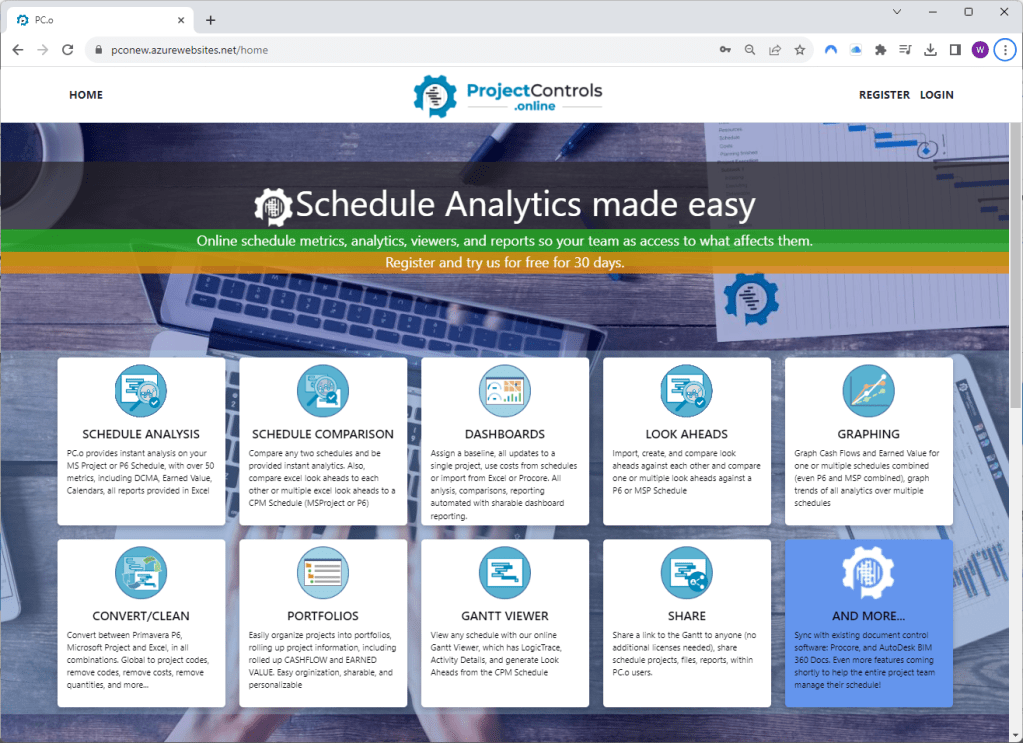
Welcome to the exciting new redesign of ProjectControls.online! We are thrilled to introduce a more efficient and effective platform designed with our customers in mind. For those familiar with our original design, don’t worry – it will remain operational for several months, with links conveniently available on the new site. Some features, such as the portfolio section, are on hold temporarily to ensure that existing sections and usage are optimized.
Let’s explore the key enhancements:
1. Comprehensive Redesign:
From Login to User Management, Analytics to Pricing, ProjectControls.online has undergone a complete transformation to emerge as a leader in the market. Our new pricing structure reflects our commitment to providing affordable access for everyone.
2. User Creation/Management/Billing Improvements:
Registration is now smoother, with example schedules available upon your first log-in. To ensure a seamless experience, please verify your email account for the 30-day free trial. For any assistance, contact us at Admin@projectcontrols.online.
3. Subscription Flexibility:
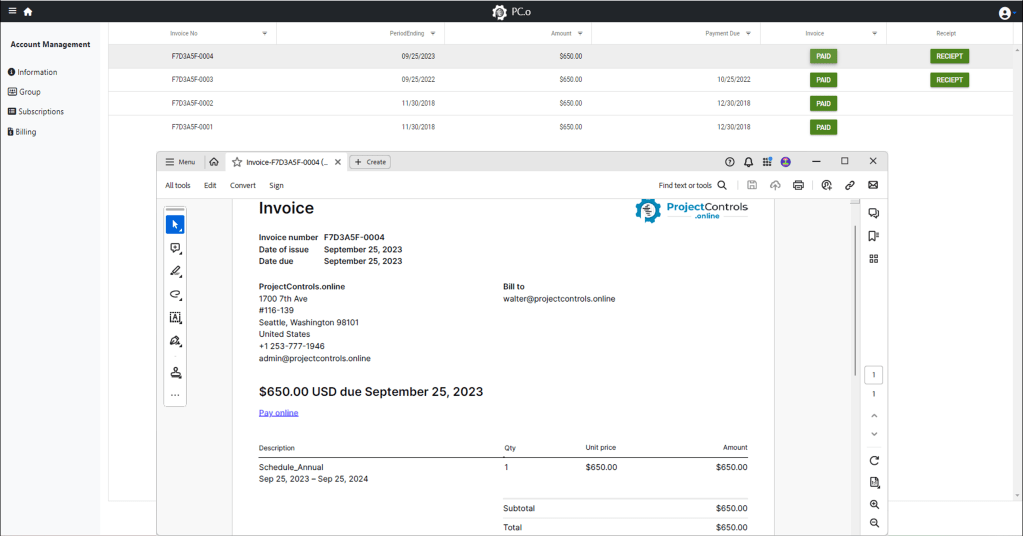
Two subscription types – individual and group – remain, but payment processes are streamlined. Create a subscription, head to the billing section, and within an hour, a downloadable invoice with a payment link will be available.
4. CPM Files Management:
The new file structure is familiar and intuitive, with easy access to CPM files. Integration with Autodesk, Procore, P6 Online, and MSP Online products is coming soon for streamlined file storage and analysis.
5. Improved File Navigation:
Navigation now involves double-clicks, providing a smoother user experience. The breadcrumb trail at the upper-right helps you quickly traverse your file structure.

6. Schedule Analysis:
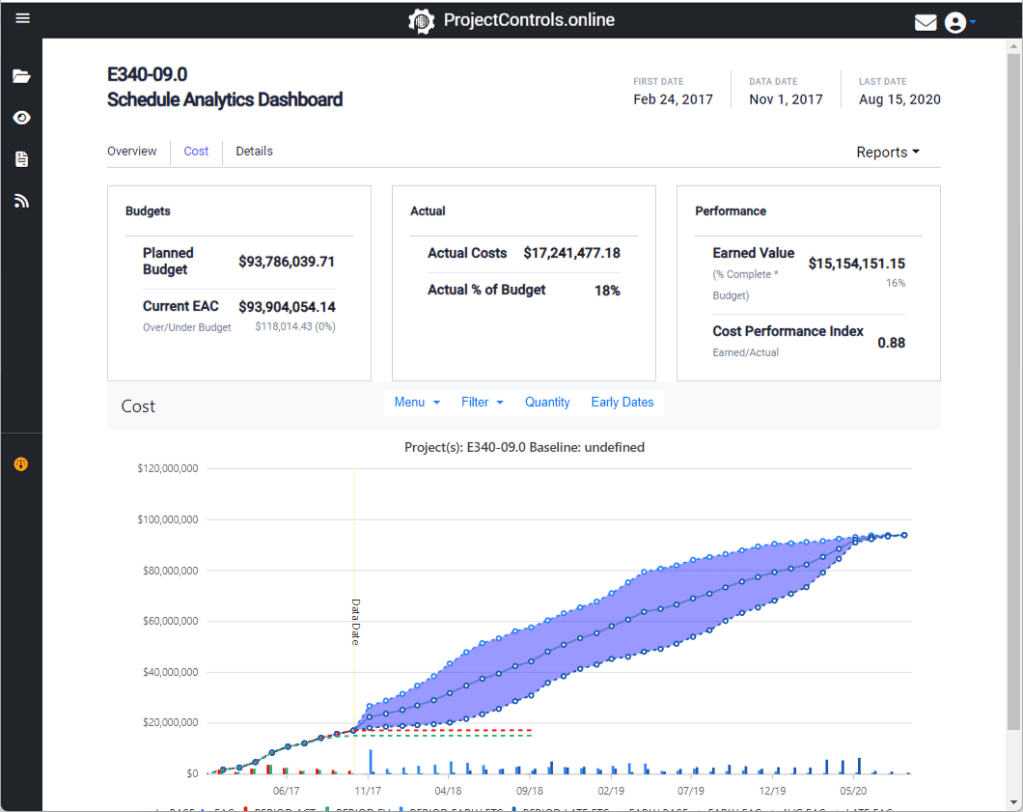
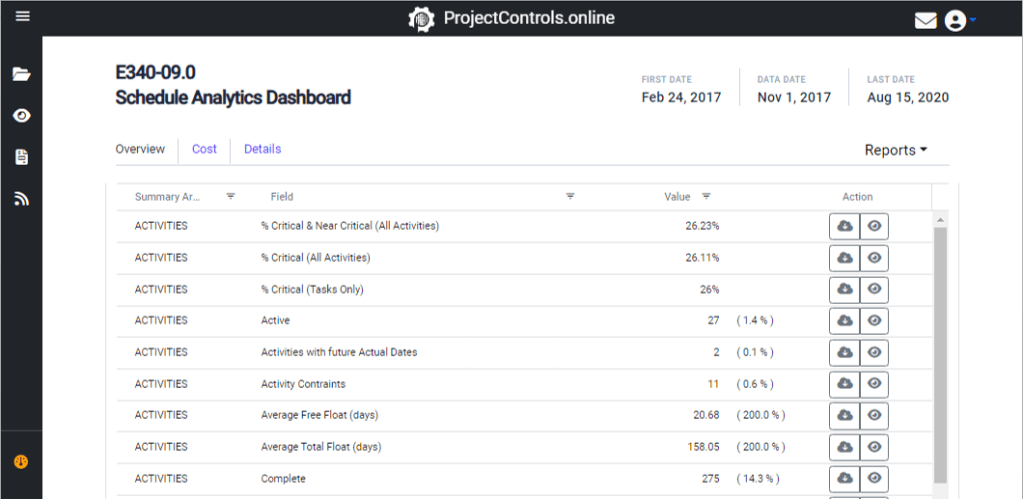
Analytics are revamped, featuring a consolidated dashboard for data, cashflow, cost, and detailed information. Download details, images, and reports in Excel or XML format. Additional schedule file support types are coming soon.

7. Look Ahead Files:
The Look Ahead Folders, represented by an eye icon, maintain a file structure similar to CPM files. Detailed instructions through posts and videos will be available to guide users.
8. Reports:
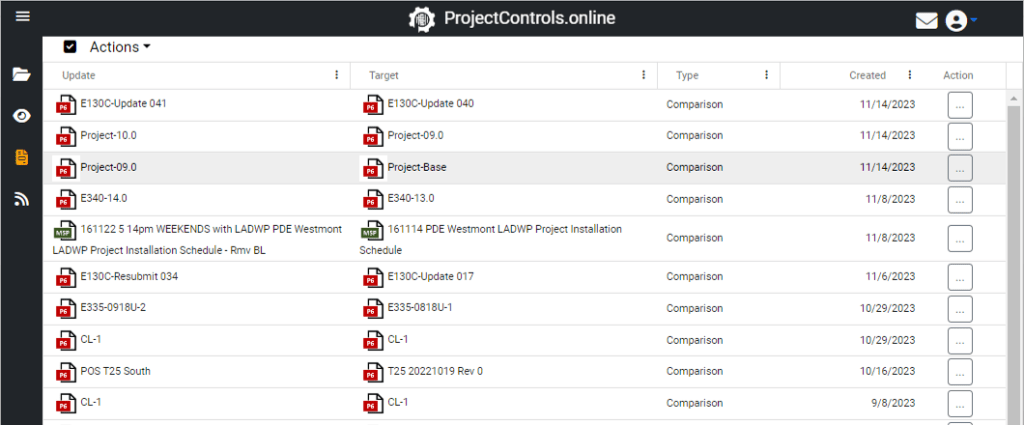
The Reports section stores generated comparison reports, accessible through a simplified interface. Download reports from the right-hand dropdown or open the redesigned comparison dashboard with a double click.

9. Gantt Viewer:
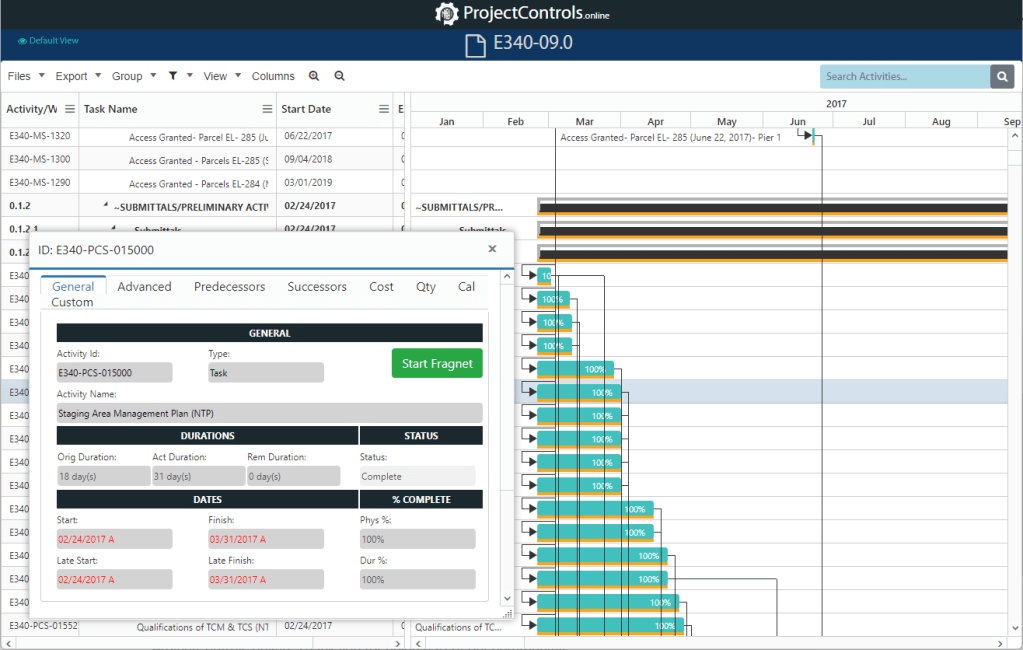
Our online Gantt Viewer remains one of the best in the industry. Multiple schedules can be opened simultaneously in new tabs, and the sharing system allows easy sharing with anyone via a link.
10. Articles:
Explore instructions, videos, and insightful articles on scheduling improvements. This section is continuously updated to provide a wealth of information.
We look forward to your feedback as we continue to enhance and expand ProjectControls.online. Thank you for being part of our community!
 ProjectControls.online
Leave a comment