

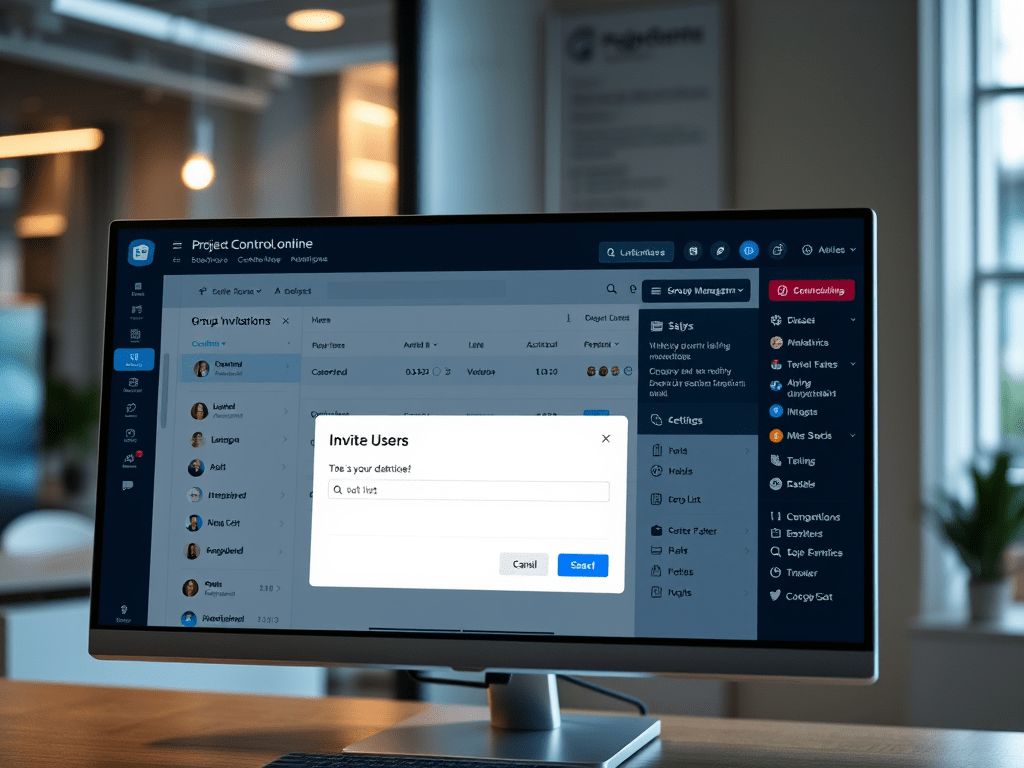
ProjectControls.online has a group management tool allowing users to have one point of contact to manage multiple licenses. This also allows the administrator to have access to all user data tied to the licenses. The following steps are how to add users to a group subscription. The following steps are only available if you are assigned as an ADMIN.
Step 1 – Go to your Account
The Account Section is located on your home page, use the dropdown and select account.

Step 2 – Go to GROUP section
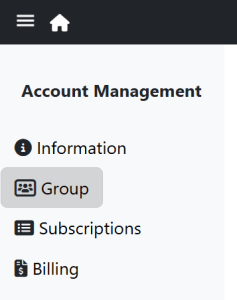
Once in the Account section, select “GROUP” on the sidebar to go to the group management section in accounts. This section provides the list of users assigned to licenses, and whether they are admins or just users. Admins can view other user data, and can add/remove users.
Step 3 – Invite Users
There is a “Actions” pulldown menu just above the list that allows an admin to invite users.

This will pull up a pop-up window, that you can cut and paste or type in all user emails you wish to invite. Important note: make sure to separate all emails by a comma. You can invite more users than you have licenses, but users will be assigned licenses in order of acceptance.

Once you’ve added all the users, and click “send” several things will happen.
An email will go out to all those users from Admin@projectcontrols.online inviting the users to join ProjectControls.online
Once the user “registers” and they are signed in, there will be a message for them in ProjectControls.online. They will need to click on the “mail” icon that is next to the user icon, asking them to accept the subscription.
New Group Members will be assigned the next available license, and the USER status. The admin can change the access to ADMIN or back to USER at any time.
EDIT PENDING USERS
Also under the “Actions” dropdown is the “VIEW/EDIT PENDING USER”, where the admin can verify the list of user notifications that have gone out, and can delete notifications if needed.
Conclusion
We hope that this process for adding group members is simple and affective in creating and managing your group needs. Of course if you have any improvements or issues please feel free to contact us at: Admin@ProjectControls.online
 ProjectControls.online
Leave a comment